How to get directions on OpenStreetMap
Get directions between two places on OpenStreetMap: open directions, enter where you start and where you are going, and see the route.
- 3 steps
- Video 0:31
- Checked 17 November 2026
- Made with FlowMentor
Narrated video with captions, made by FlowMentor from the same recording.
Steps
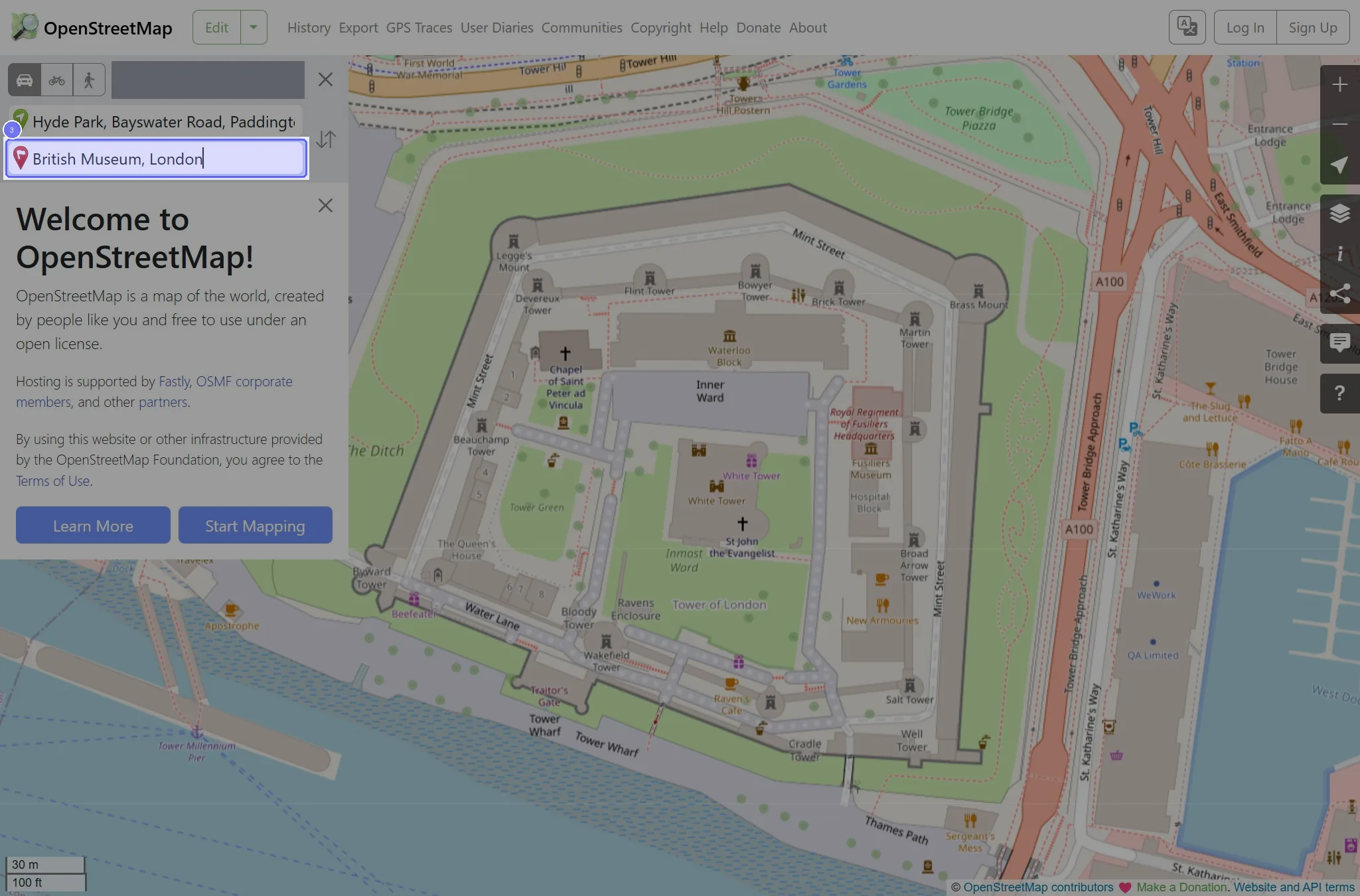
Step 1: Click the "Find directions between two points" link
Start on the "OpenStreetMap" page.
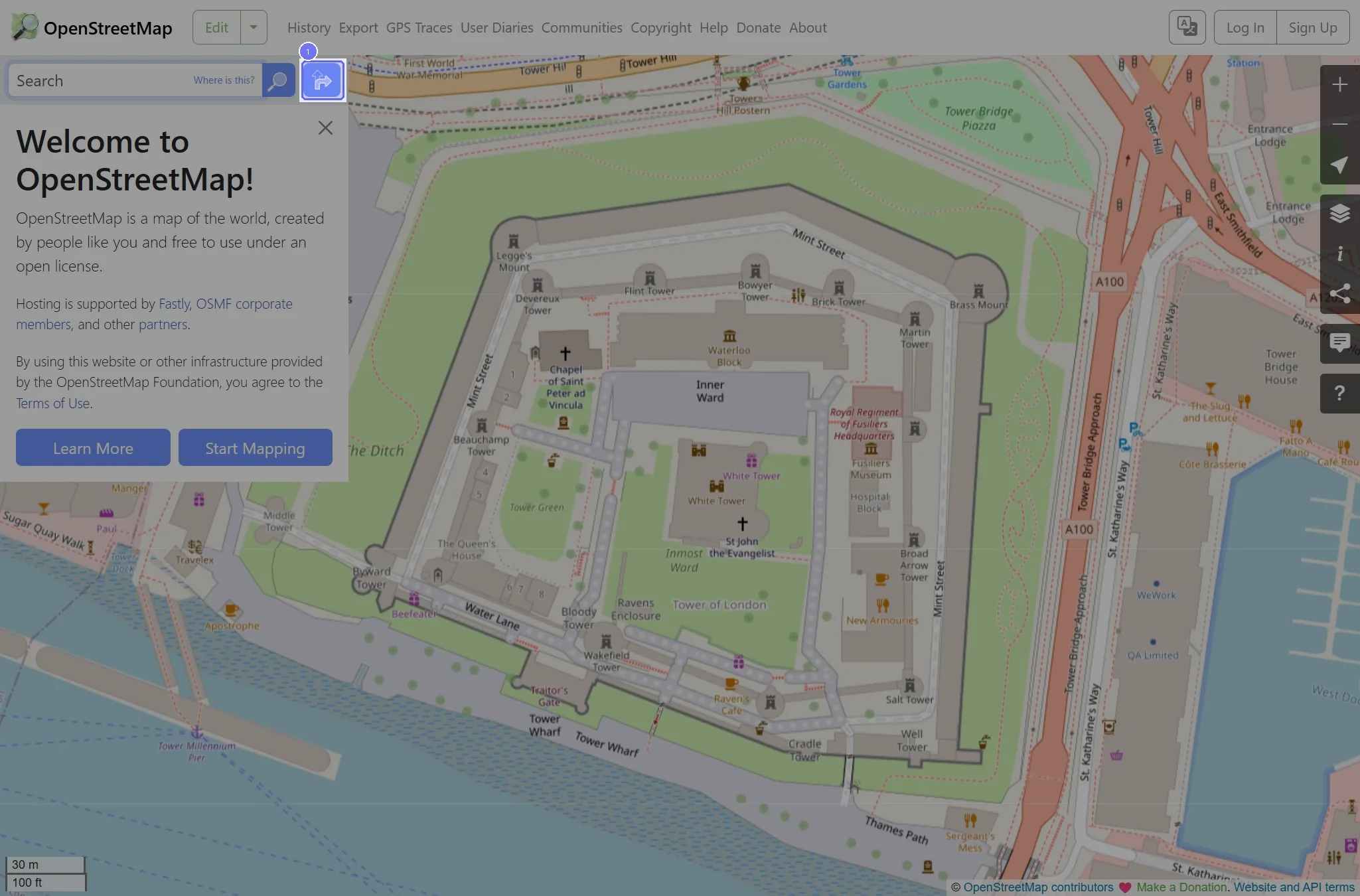
Step 2: Enter "Hyde Park, London" in From
Type the value that fits your case in the From field. The recording used "Hyde Park, London".
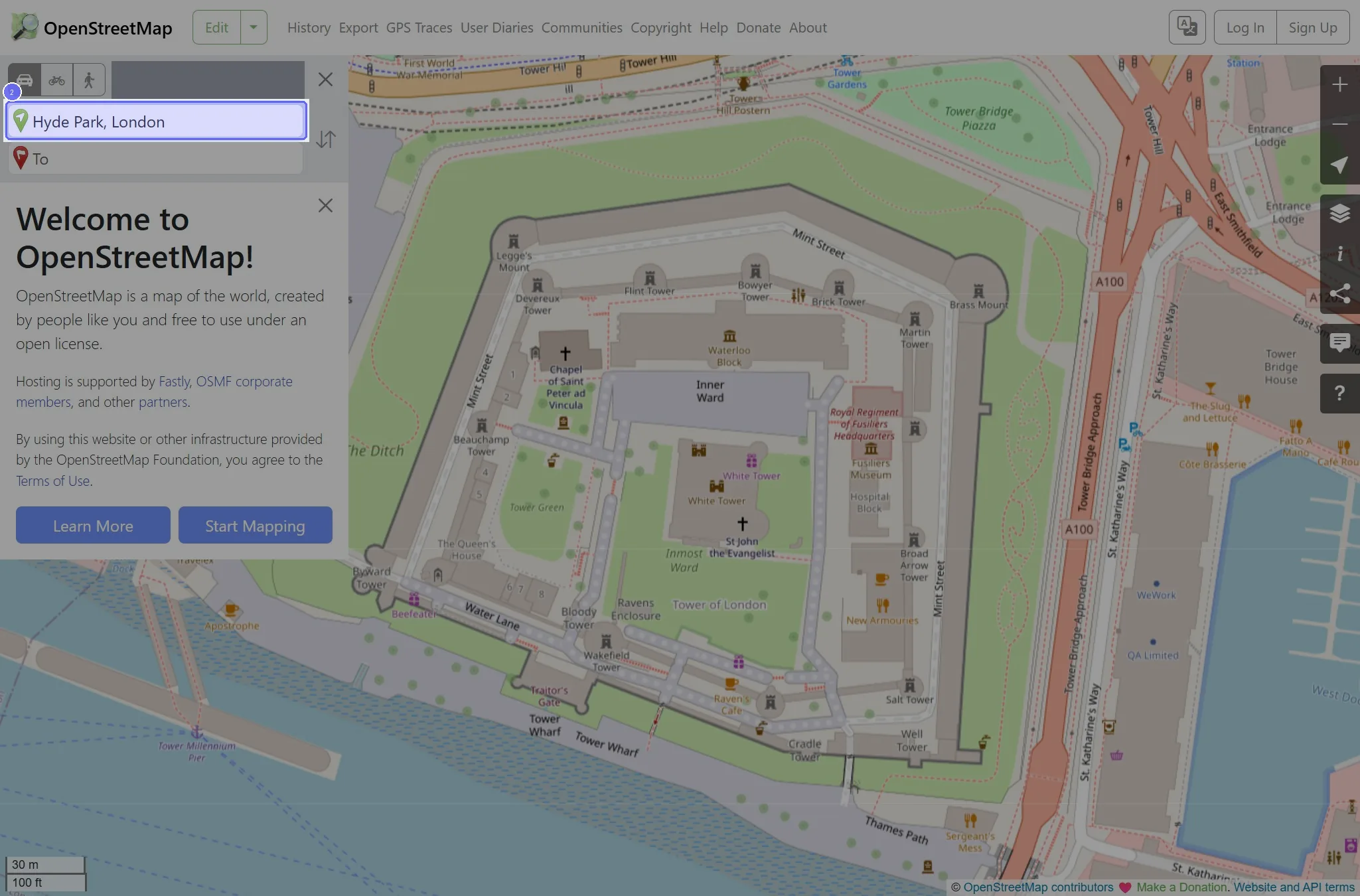
Step 3: Type "British Museum, London" in To, then press Enter