How to search for a place on OpenStreetMap
Search for a place on OpenStreetMap: type the name, run the search and open the result to see it on the map.
- 3 steps
- Video 0:31
- Checked 17 November 2026
- Made with FlowMentor
Narrated video with captions, made by FlowMentor from the same recording.
Steps
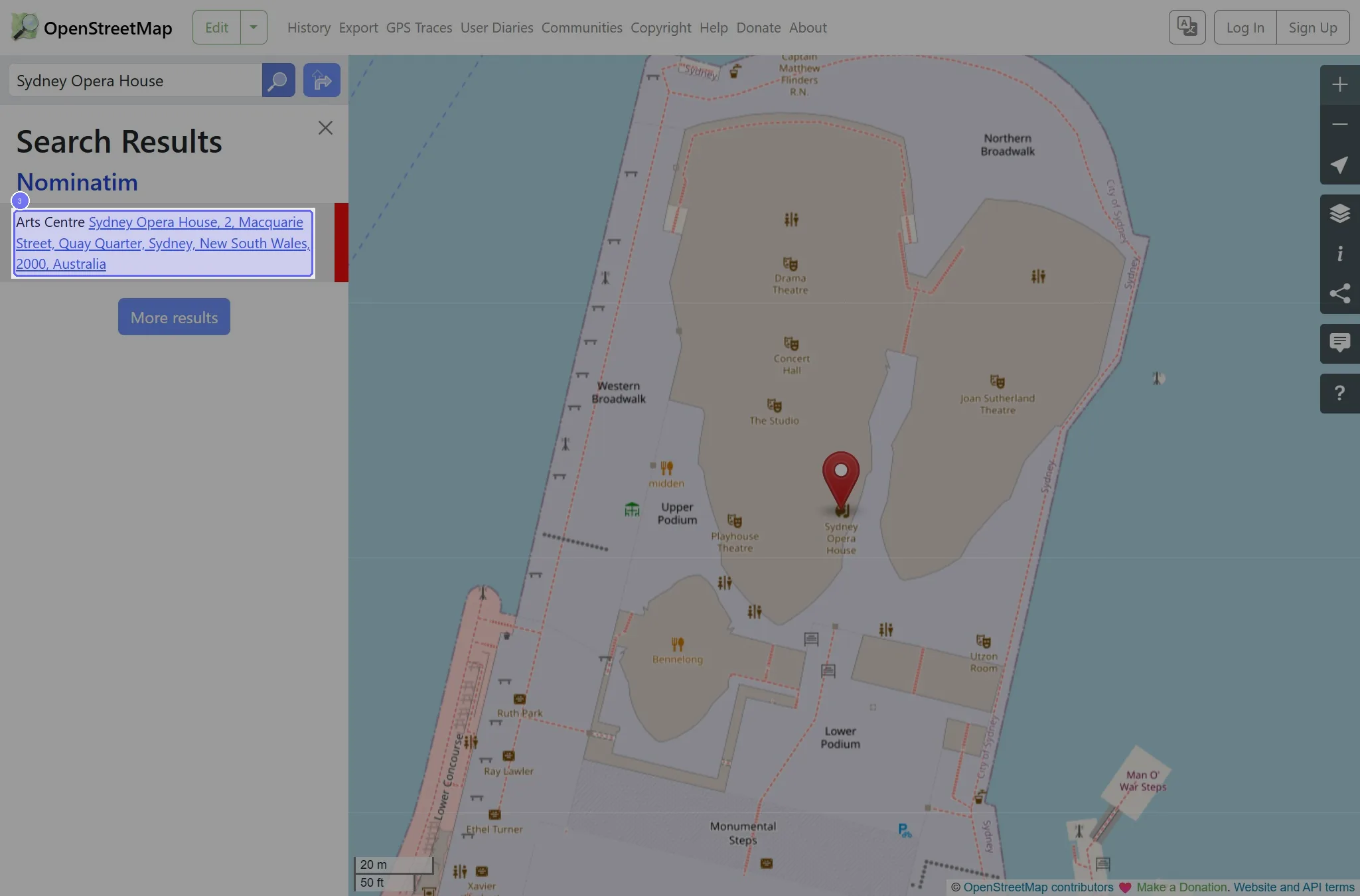
Step 1: Enter "Sydney Opera House" in Search
Type the value that fits your case in the Search field. The recording used "Sydney Opera House". Start on the "OpenStreetMap" page.
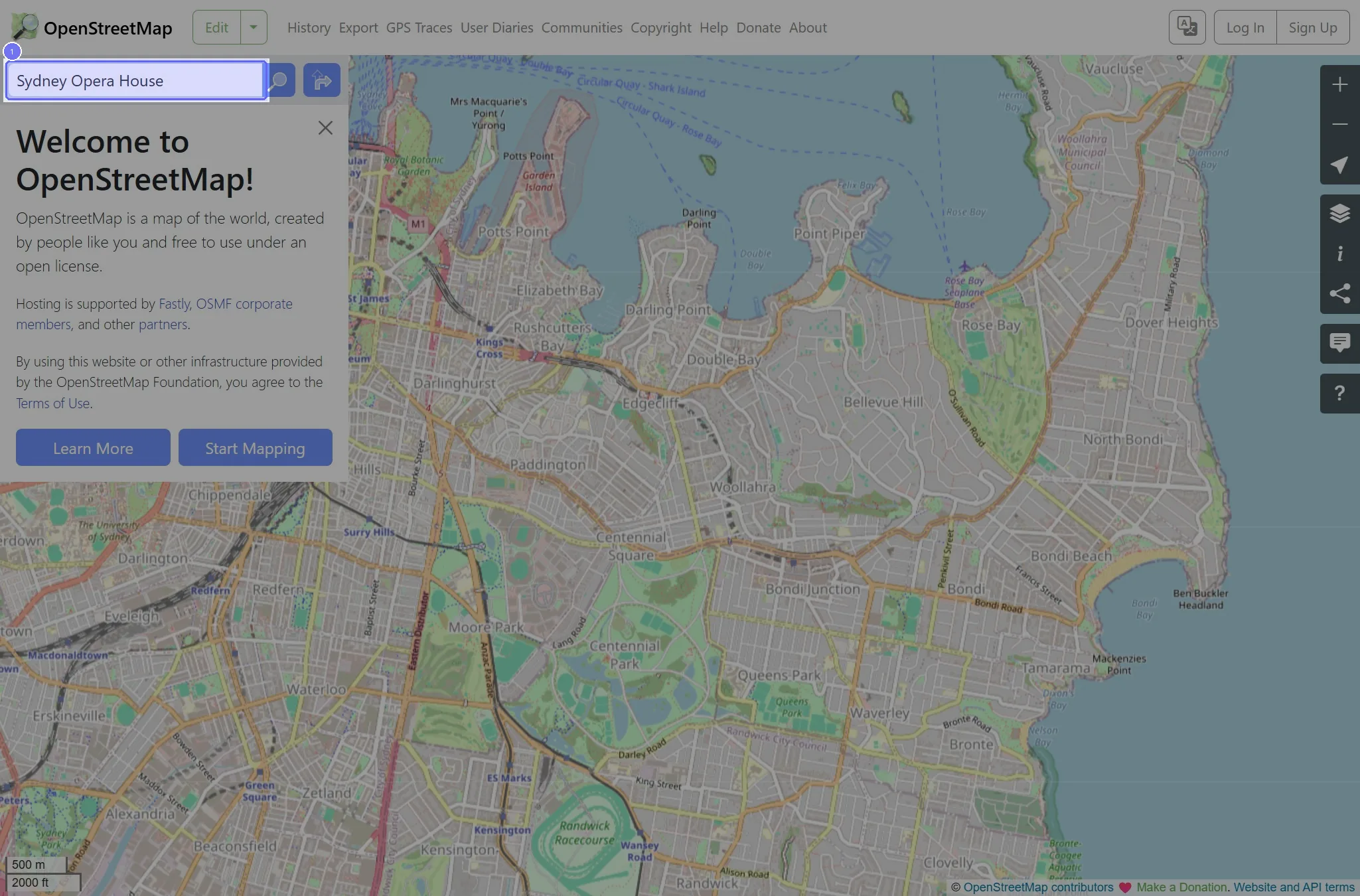
Step 2: Click the "Go" button
This opens the "Sydney Opera House" page.
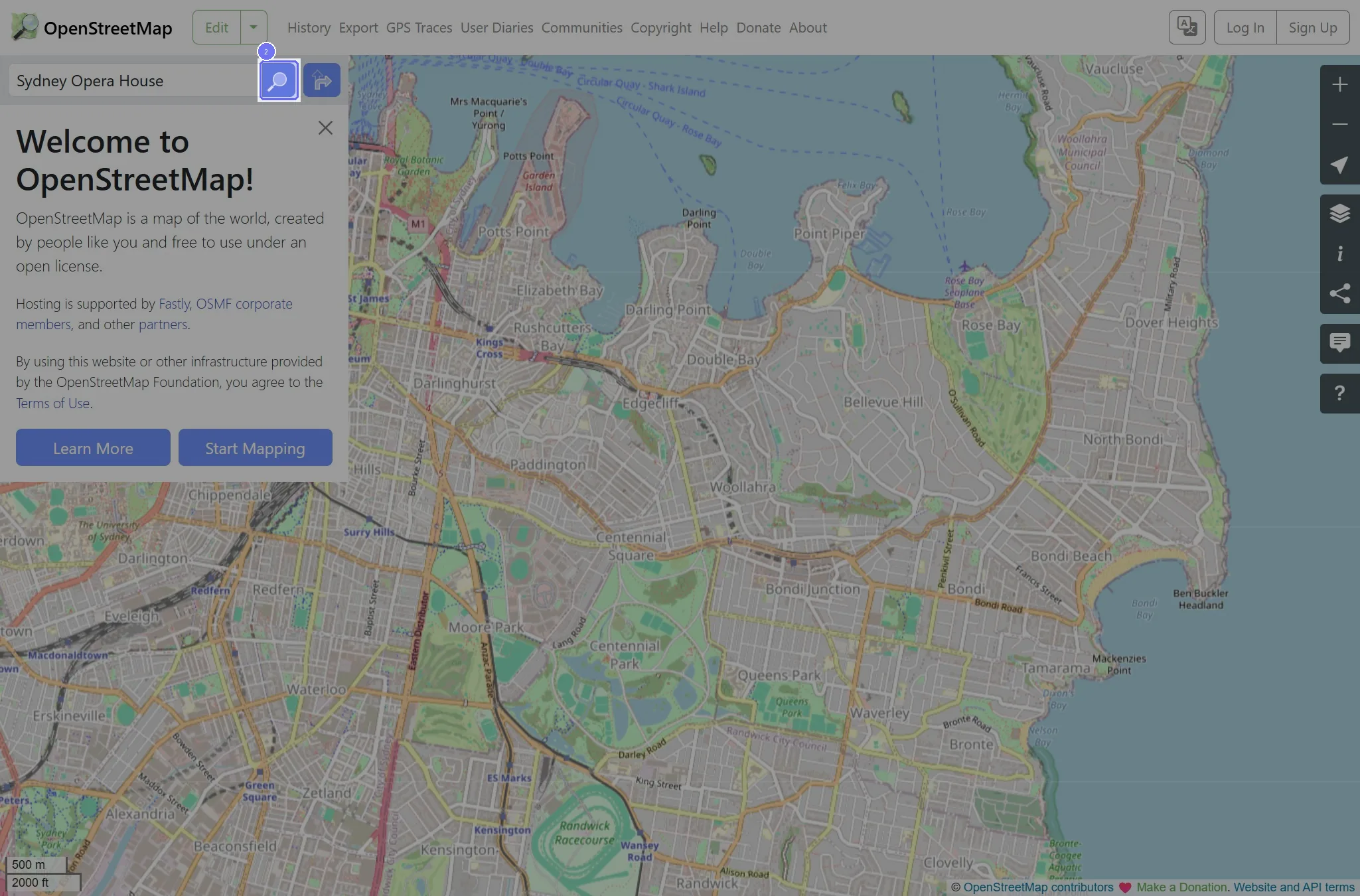
Step 3: Click the "Sydney Opera House, 2, Macquarie Street, Quay Quarter…" link
This opens the "Relation: Sydney Opera House (9596872)" page.