How to search for a shape and add it in draw.io
Find a shape in draw.io with the shape search and add it to your diagram with one click.
- 2 steps
- Video 0:26
- Checked 17 November 2026
- Made with FlowMentor
Narrated video with captions, made by FlowMentor from the same recording.
Steps
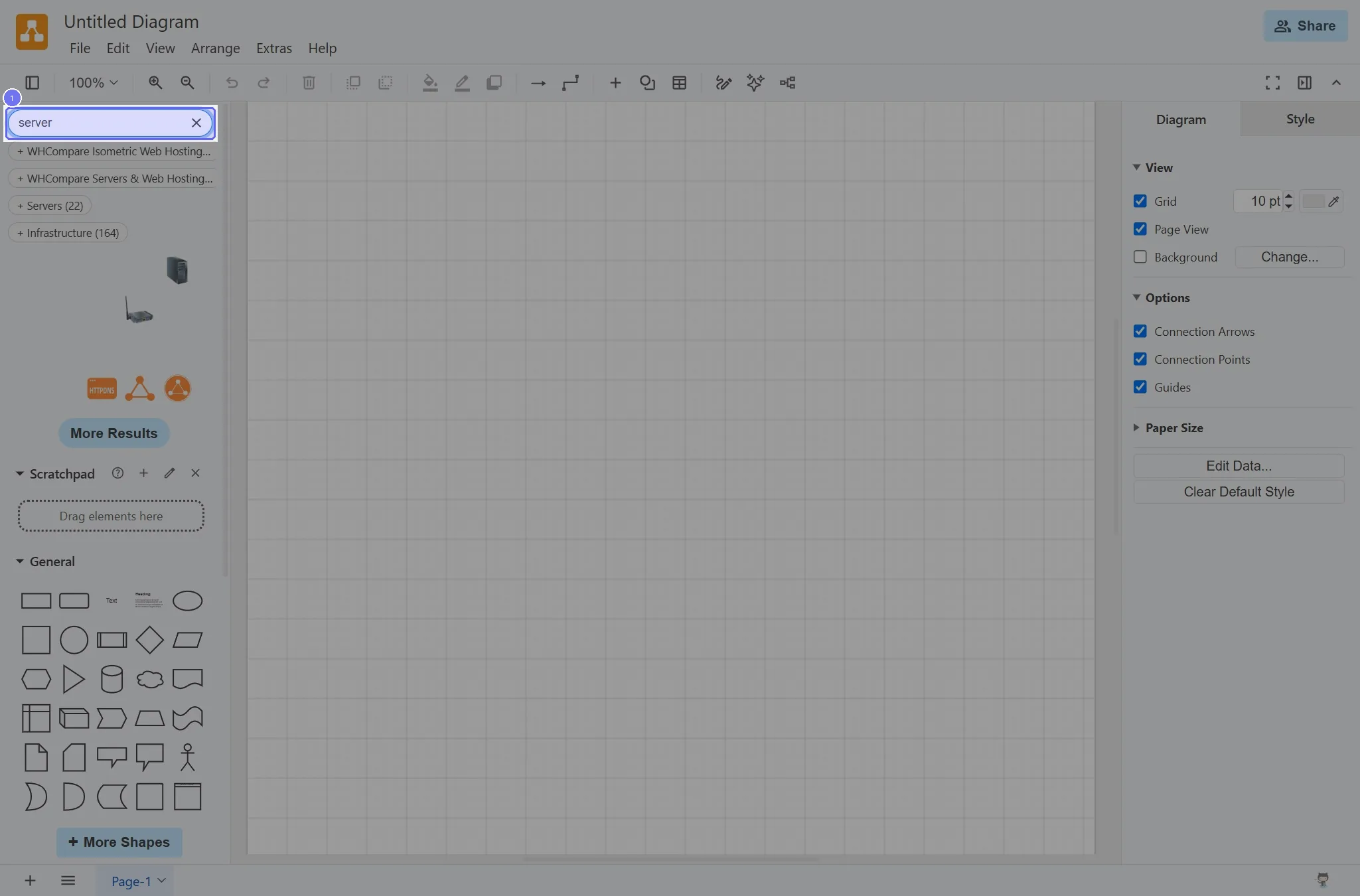
Step 1: Type "server" in Type / to search, then press Enter
Start on the "Untitled Diagram" page.
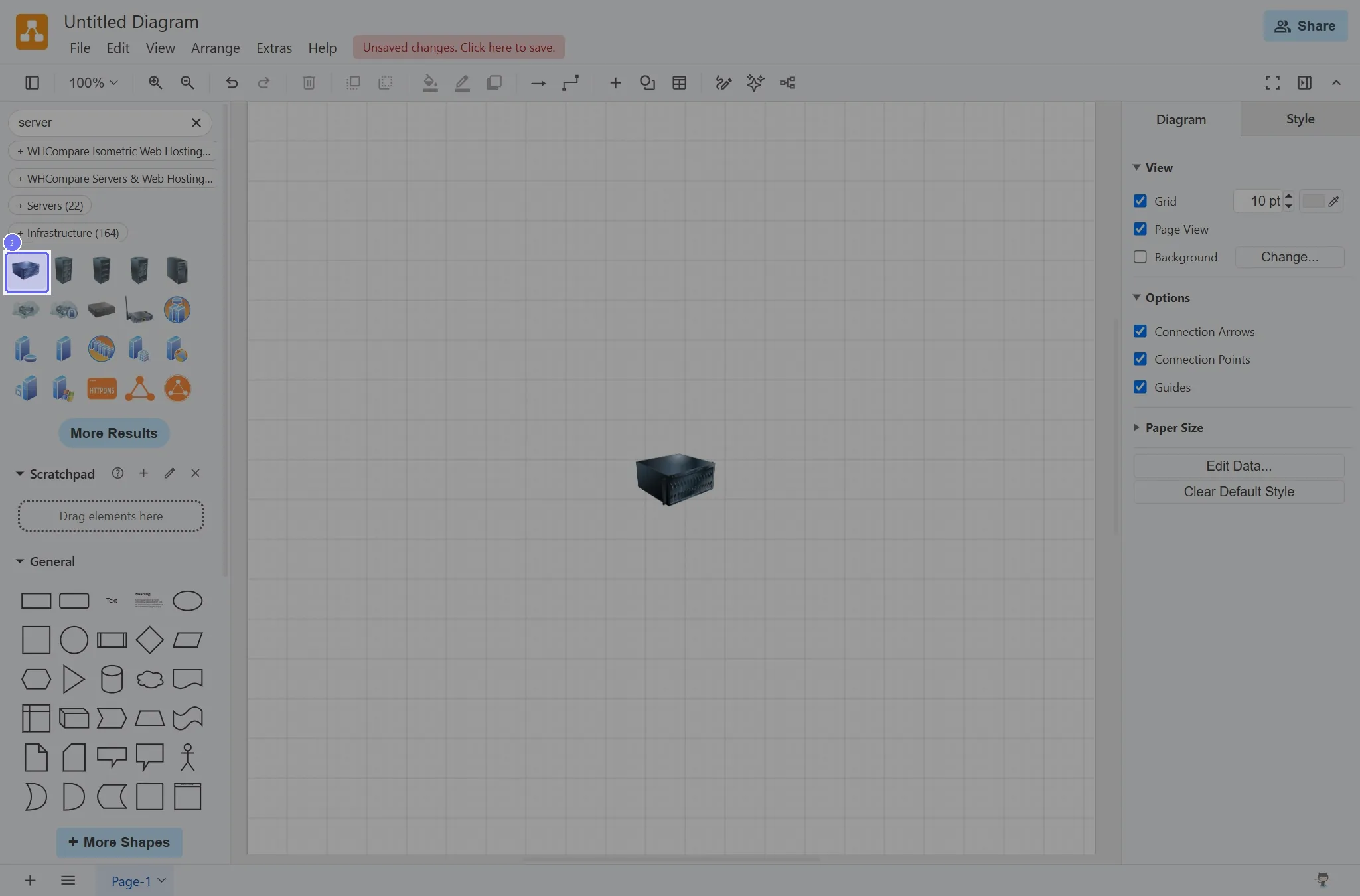
Step 2: Click the "Server" button