How to try an API endpoint in Swagger UI
Try an API endpoint in Swagger UI: expand it, click Try it out, choose a parameter value and execute the request to see the live response.
- 4 steps
- Video 0:36
- Checked 17 November 2026
- Made with FlowMentor
Narrated video with captions, made by FlowMentor from the same recording.
Steps
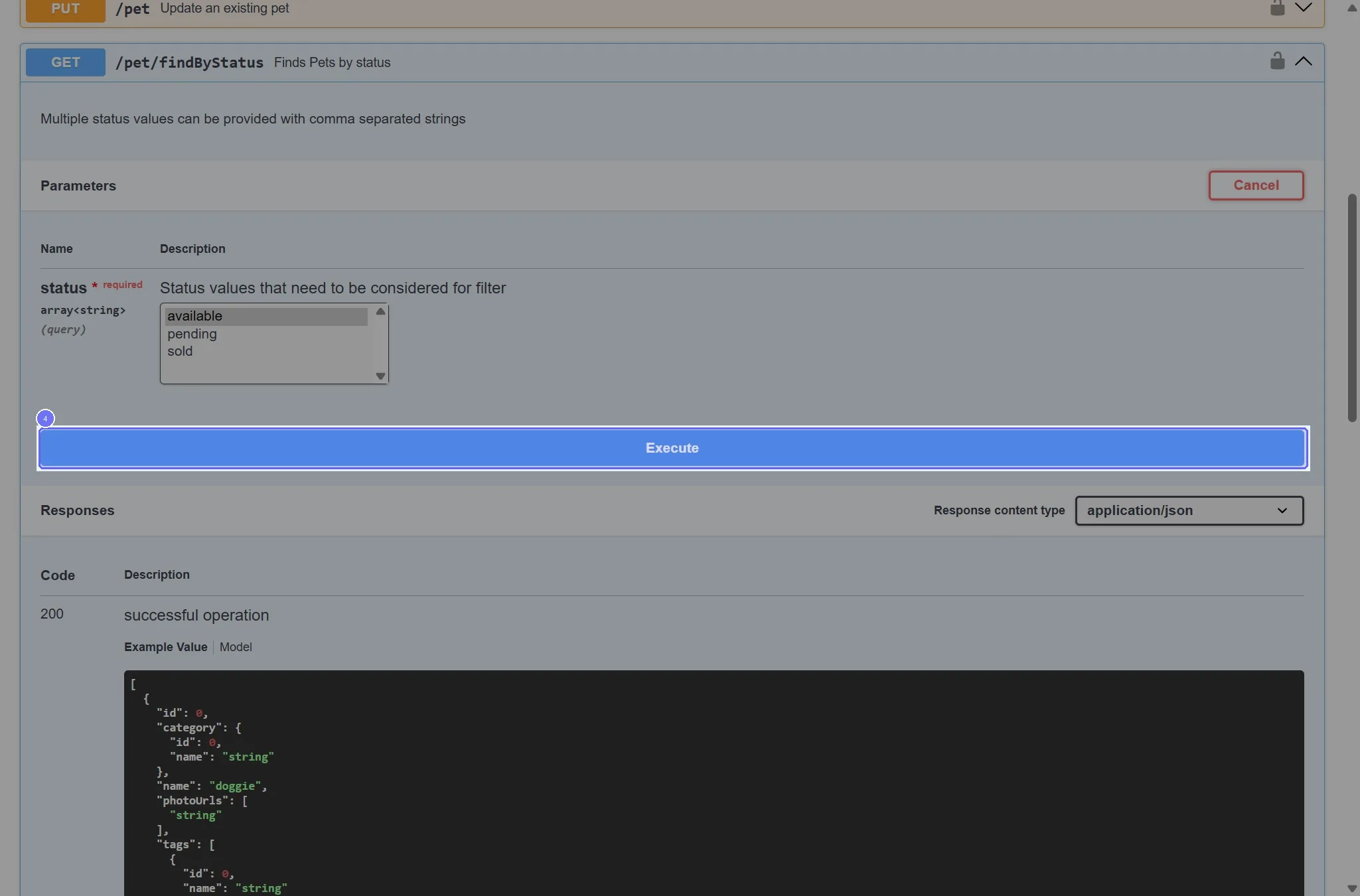
Step 1: Click the "GET /pet/findByStatus Finds Pets by status" button
Start on the "Swagger UI" page.
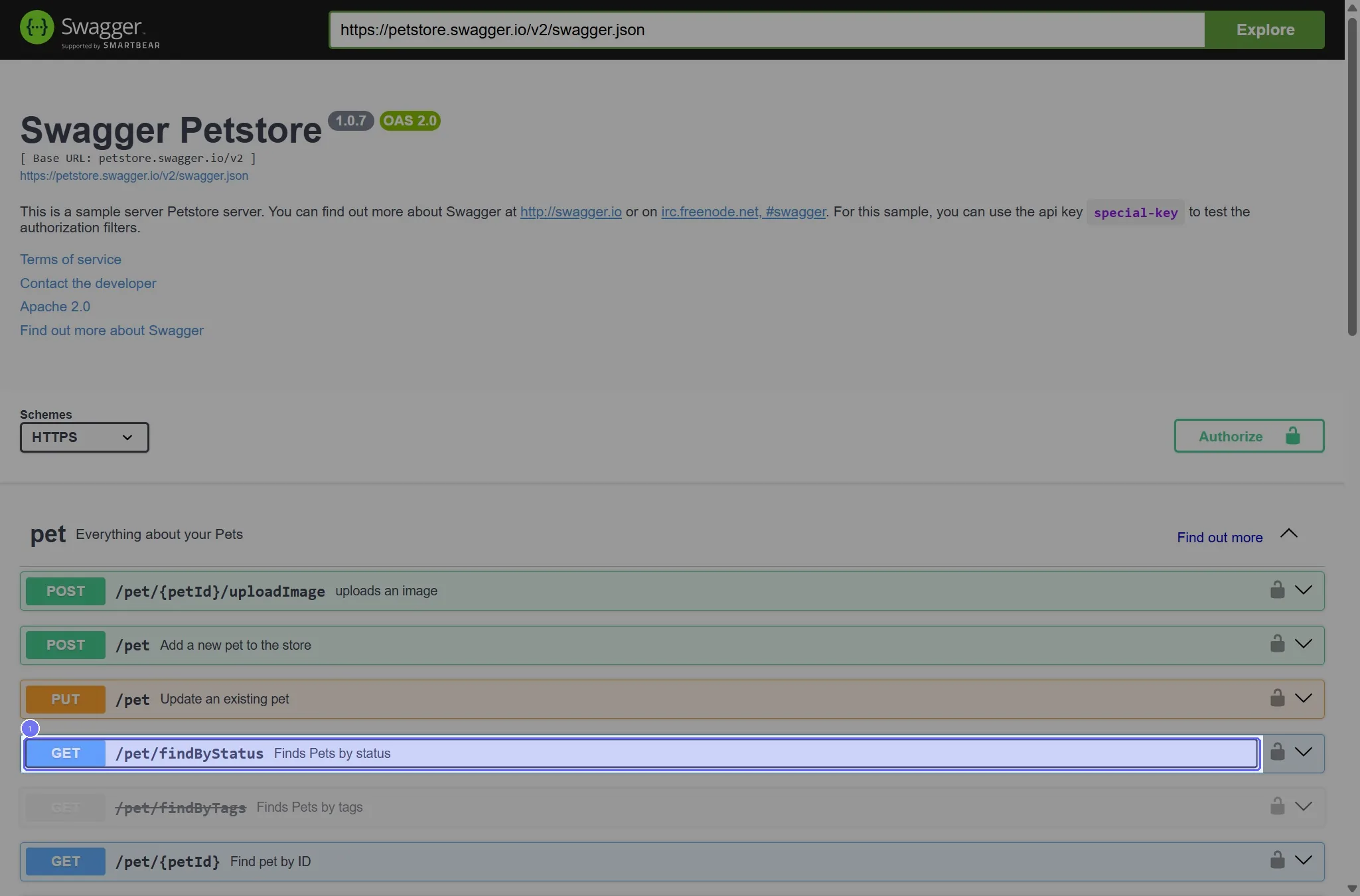
Step 2: Click the "Try it out" button
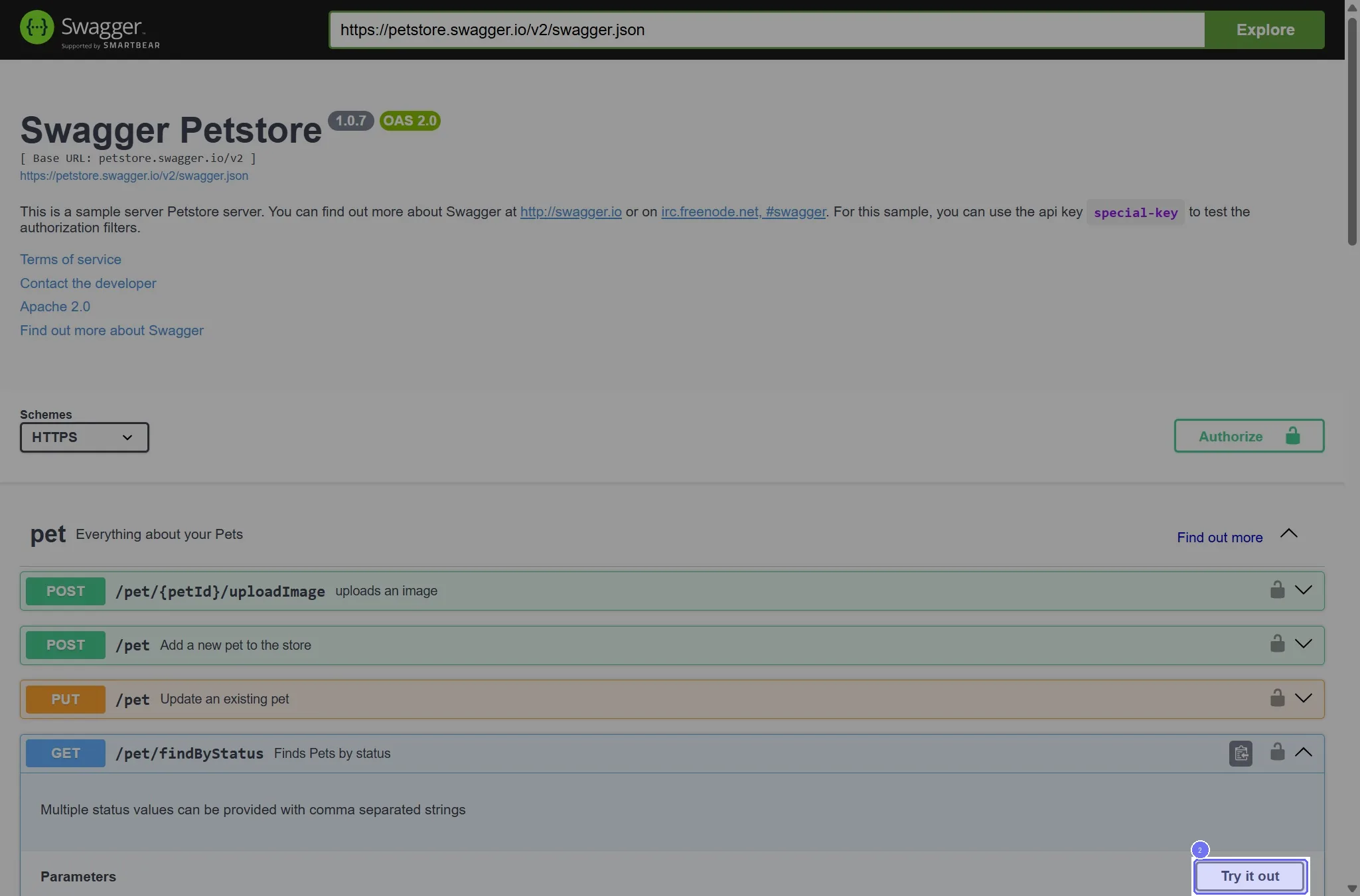
Step 3: Select "available" in the dropdown
Choose the option that fits your case in the dropdown. The recording chose "available".
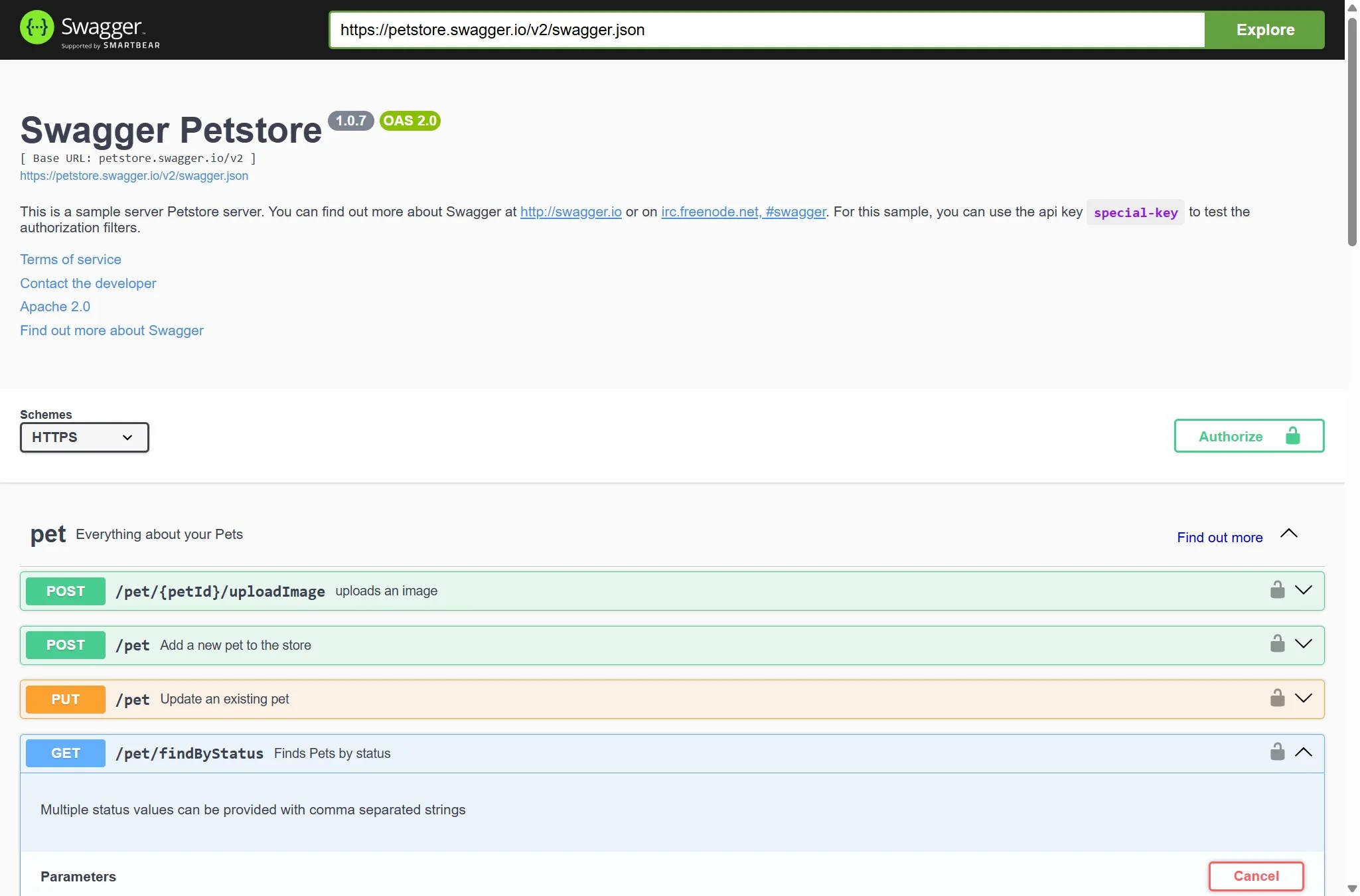
Step 4: Click the "Execute" button