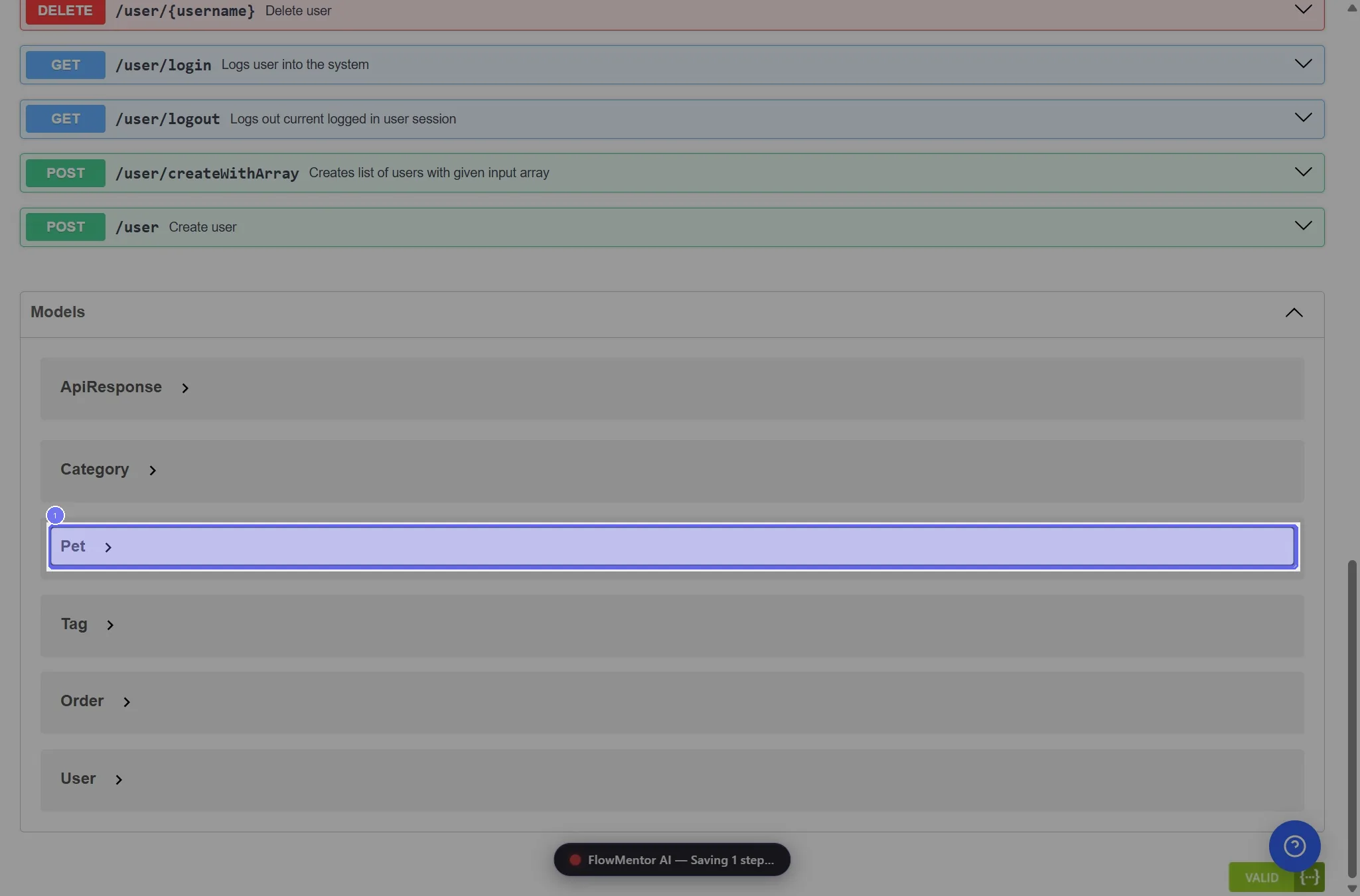
How to view a model's schema in Swagger UI
View a model’s schema in Swagger UI: open the model in the Schemas section to see its fields, their types and which ones are required.
- 1 step
- Video 0:21
- Checked 17 November 2026
- Made with FlowMentor
Narrated video with captions, made by FlowMentor from the same recording.
Steps
Step 1: Click the "Pet" button
Start on the "Swagger UI" page.